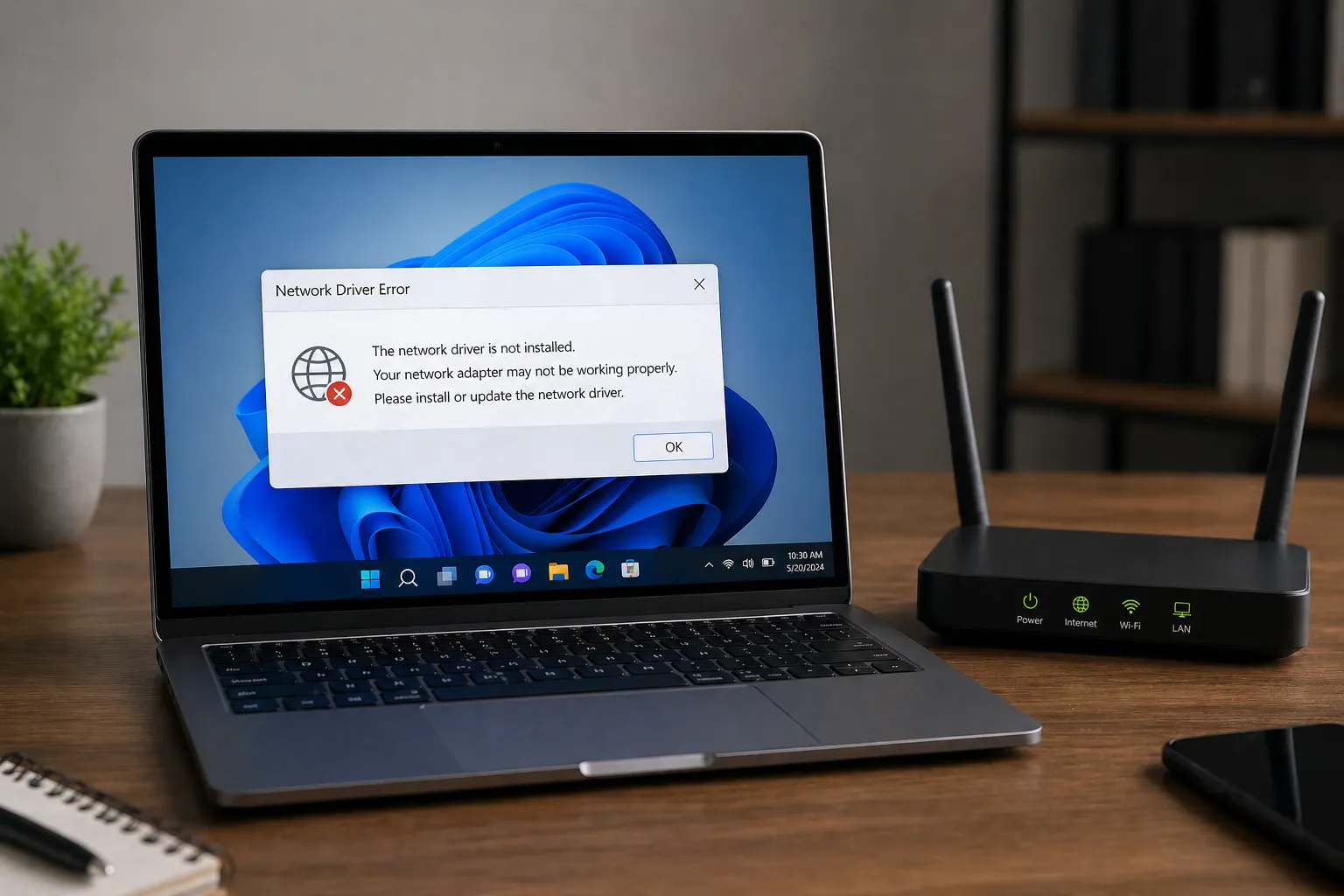
Have you ever connected a new device to your computer only to be met with the frustrating "Driver Not Installed" message? This common Windows error can halt your productivity, but understanding how to navigate the underlying hardware communication layer can help you resolve it.
Deep Dive: Why Drivers Fail to Install
At its core, a driver is a specialized piece of software that allows your operating system (OS) to communicate with hardware components. When you see a "Driver Not Installed" or "Unknown Device" error in Windows, it means the OS has detected electrical activity on a port or bus but cannot match the device's hardware signature to any known driver package.
Pro Tip: Check Your Connections
Before diving into deep software troubleshooting, always ensure the device is properly seated in its slot or port. A loose connection can sometimes cause the OS to misread the hardware ID.
Advanced Troubleshooting via Device Manager
The Device Manager is your primary window into the hardware state of your machine. When a driver is missing, the device will typically appear under "Other devices" with a yellow exclamation mark.
The Power of Hardware IDs (VEN/DEV)
Every piece of PC hardware has a unique Vendor ID (VEN) and Device ID (DEV). These are hex codes hardcoded into the silicon. If Windows can't find a driver, you can use these IDs to manually search for the correct software.
- 01. Right-click the unknown device and select Properties.
- 02. Navigate to the Details tab.
- 03. Select Hardware Ids from the Property dropdown.
Security Warning
Never download drivers from "Driver Updater" third-party sites. Stick to the official manufacturer's website or the Windows Update Catalog.
Conclusion
Fixing a "Driver Not Installed" error is a systematic process of identification and manual matching. By moving beyond automatic installers and utilizing the Device Manager's Hardware IDs, you can bypass most software roadblocks and ensure your hardware performs at its peak.